Skip takeout, make coffee at home, move $10 to savings. Check it off, and Penny Streak adds up what you kept.
Coming soon to iPhoneNo account. No ads. No bank login. Your data stays on your phone.
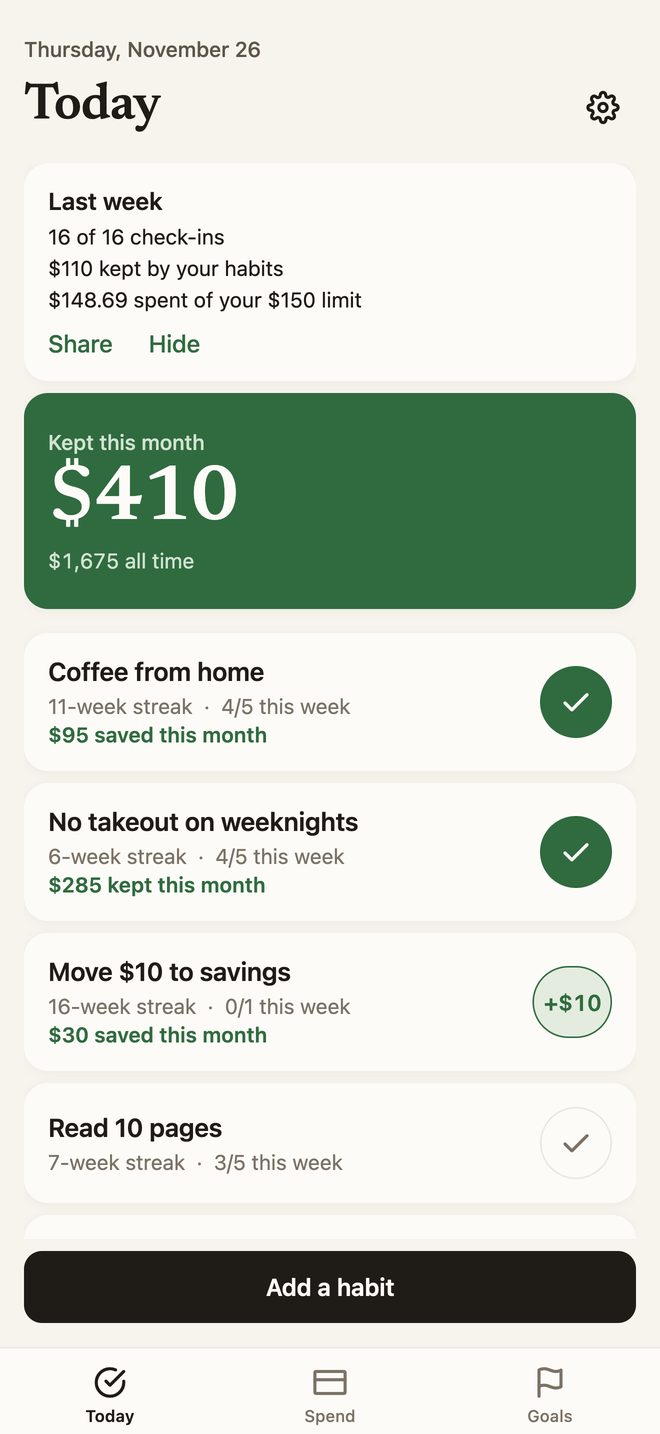
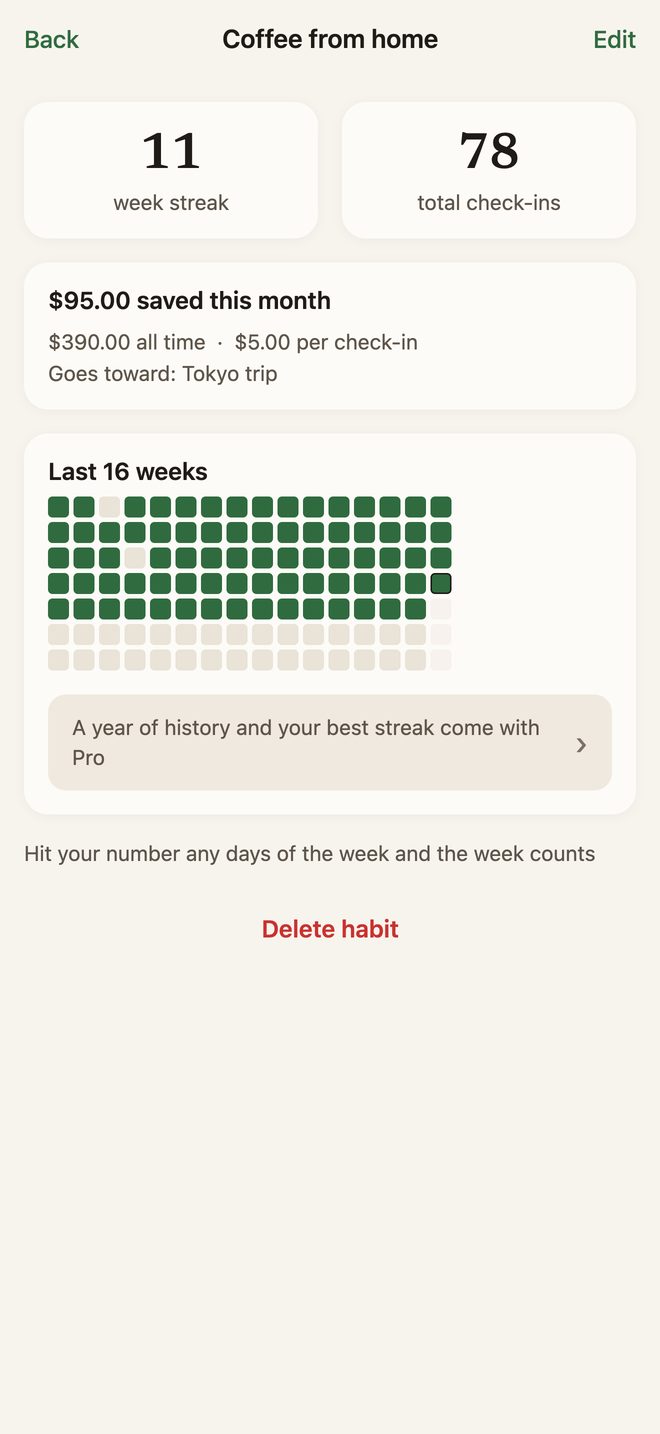
Give a habit a dollar value once. A skipped takeout is $15, a home coffee is $5, a Friday transfer is $10. From then on, ticking it off adds to the total at the top of your screen.
Streaks work by the week, with two skips a month, so one bad day doesn't wipe out a good run.
No-spend days, swaps and savings habits that tally what you keep.
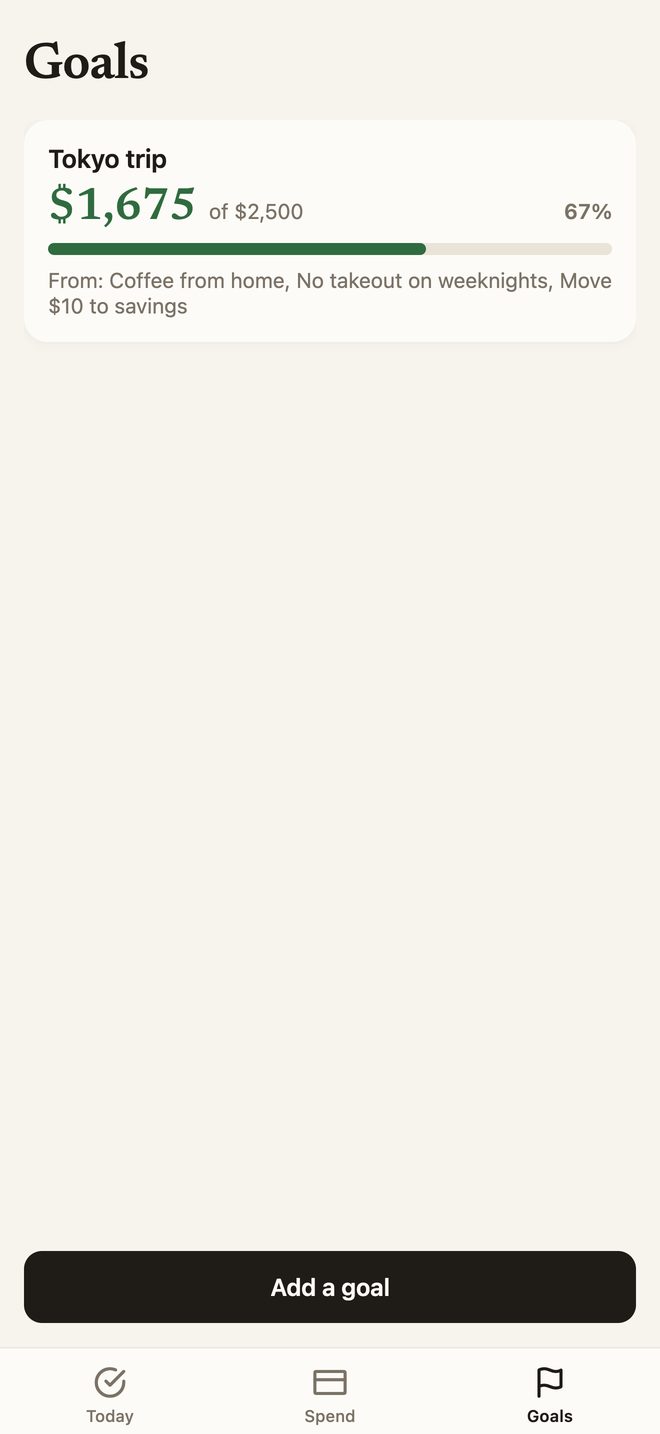
A goal like "Tokyo trip" fills up as the habits behind it get checked in.
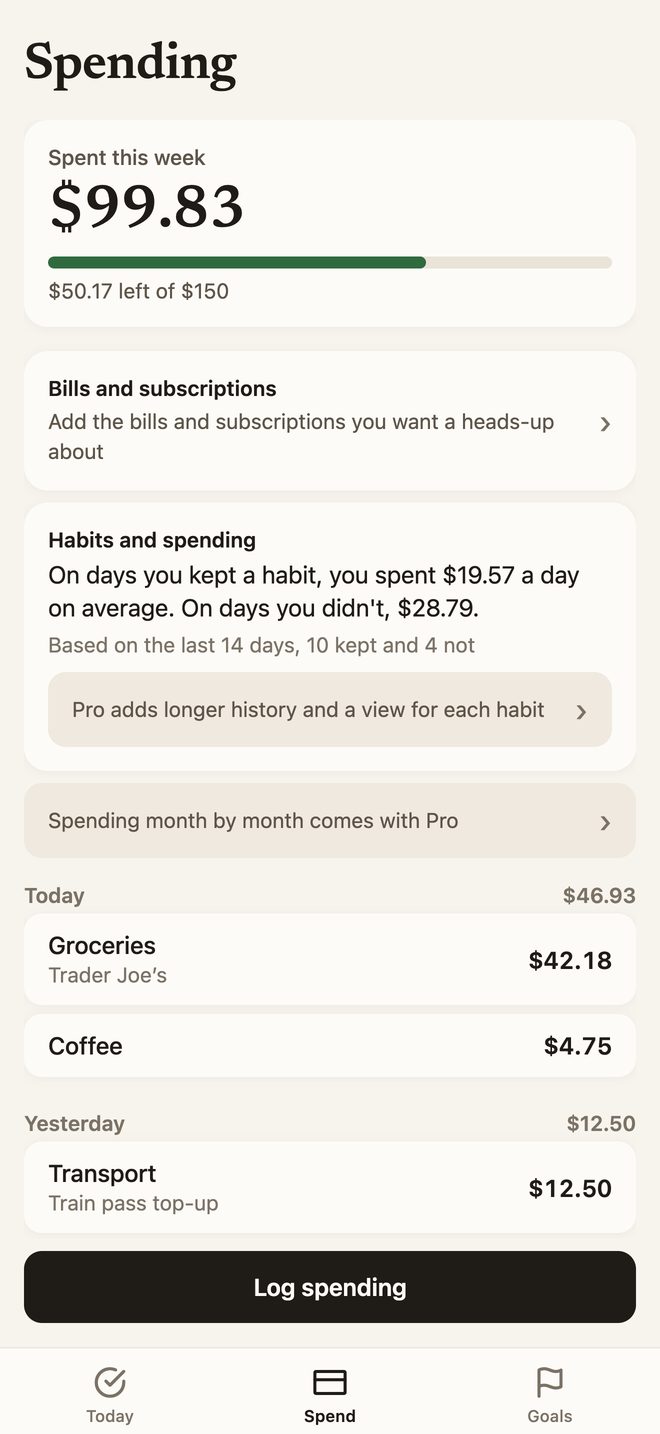
Type in what you spend and set a weekly limit. A recap you can share every Monday.
At the time you choose, using local notifications only.
No sign-up and nothing uploaded. Habits, goals and spending live on your phone.
Two forgiven skips a month, a year of history and your best streak on each habit.


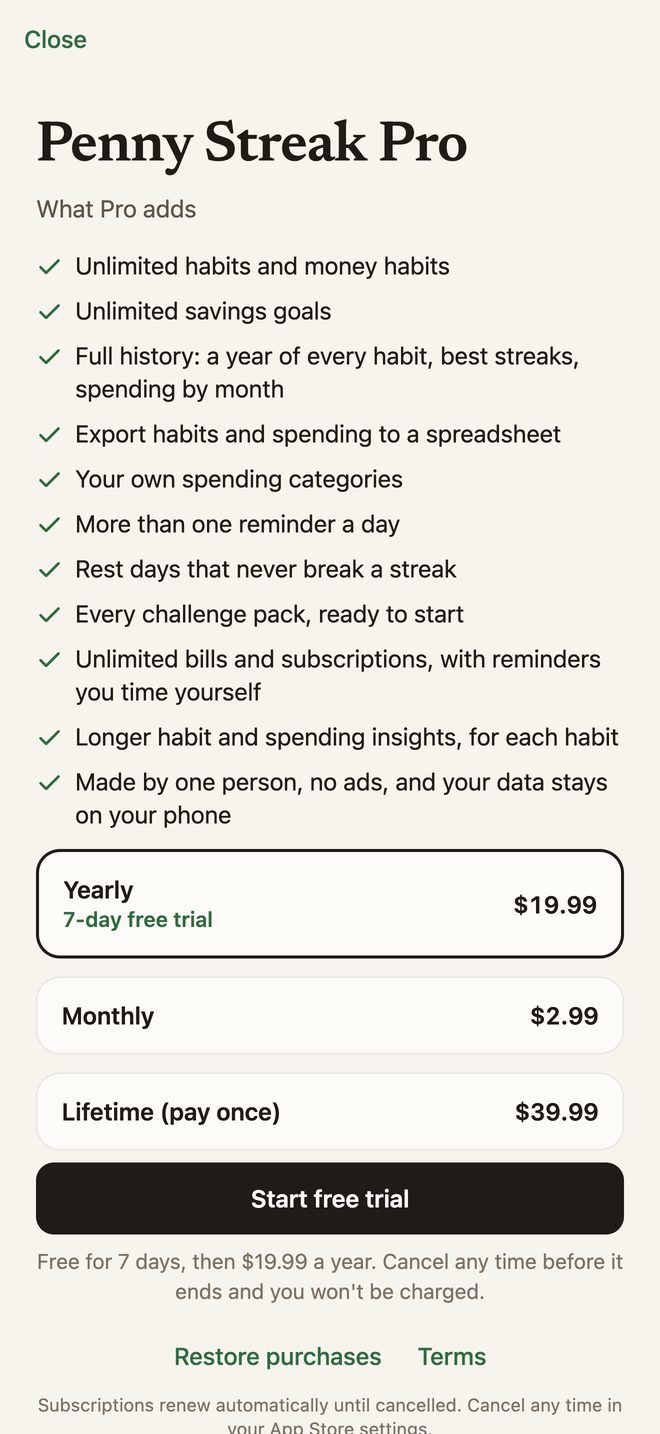
Free includes 3 habits, 1 savings goal and an unlimited spend log. Pro adds unlimited habits and goals, 52 weeks of history, month-by-month spending, spreadsheet export, your own categories and more than one reminder.
If something isn't working, write to us and we'll reply as soon as we can.
Open Settings (the gear icon on Today), tap See Pro, then tap Restore purchases. Use the same Apple ID you bought with.
Subscriptions are managed by Apple. On your iPhone, open Settings, tap your name, then Subscriptions, and choose Penny Streak Pro. The lifetime plan is a one-time purchase and has nothing to cancel.
Your habits, check-ins, goals and spending entries are stored only on your phone. We can't see them or restore them for you. Deleting the app deletes them, so export a spreadsheet from Settings first if you want a copy (a Pro feature).
Apple handles refunds. Request one at reportaproblem.apple.com.
Send a note with your iPhone model and iOS version if it's a bug, and what you expected to happen.